Roaming Power Tiny (Mini Smoke Machine)
Overview
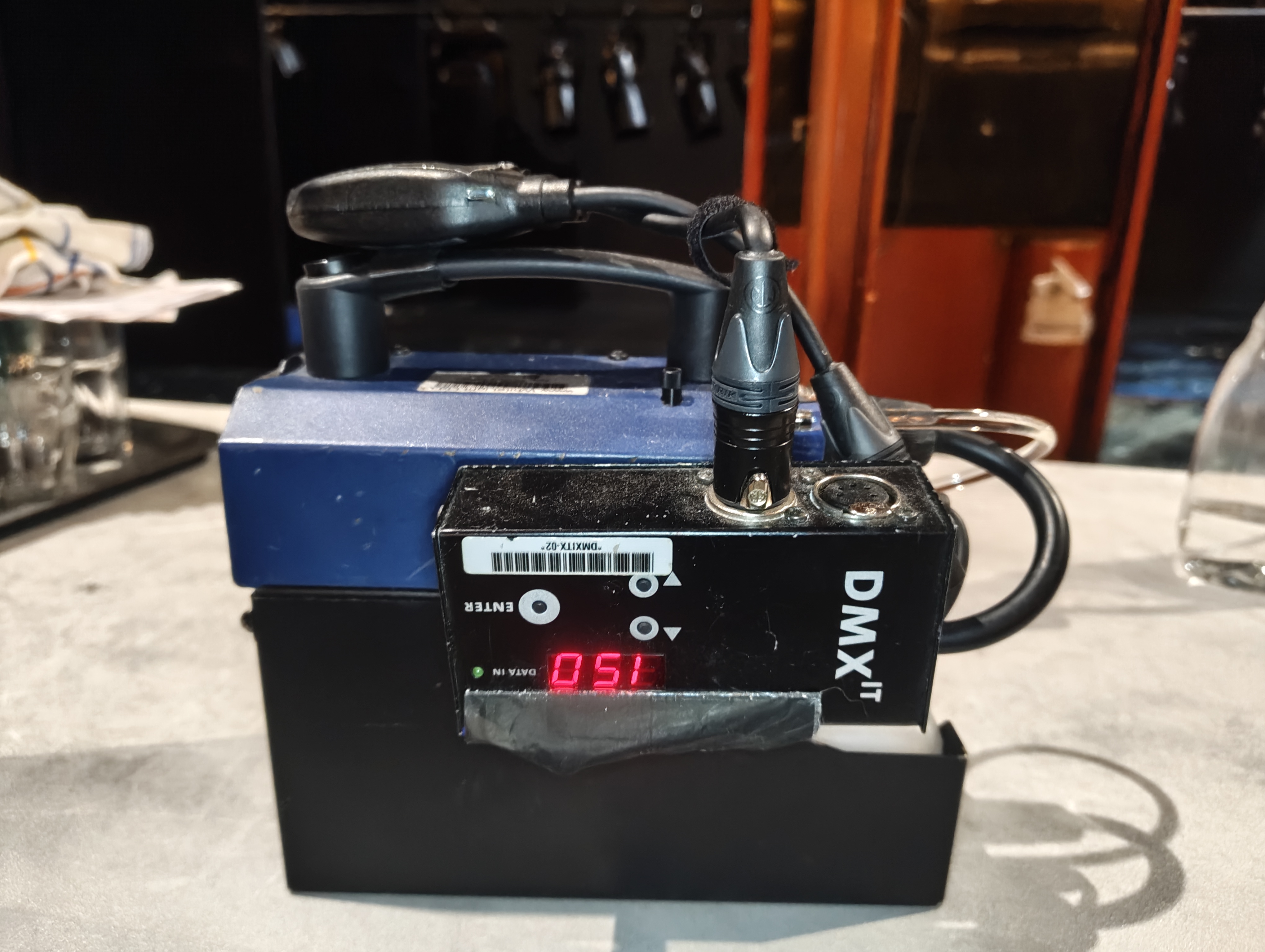
The Roaming Power Tiny is a wireless battery-operated mini fog machine used to add smoke to the fire barrel in the Brazier and on the rolling staircase during the storm sequence.
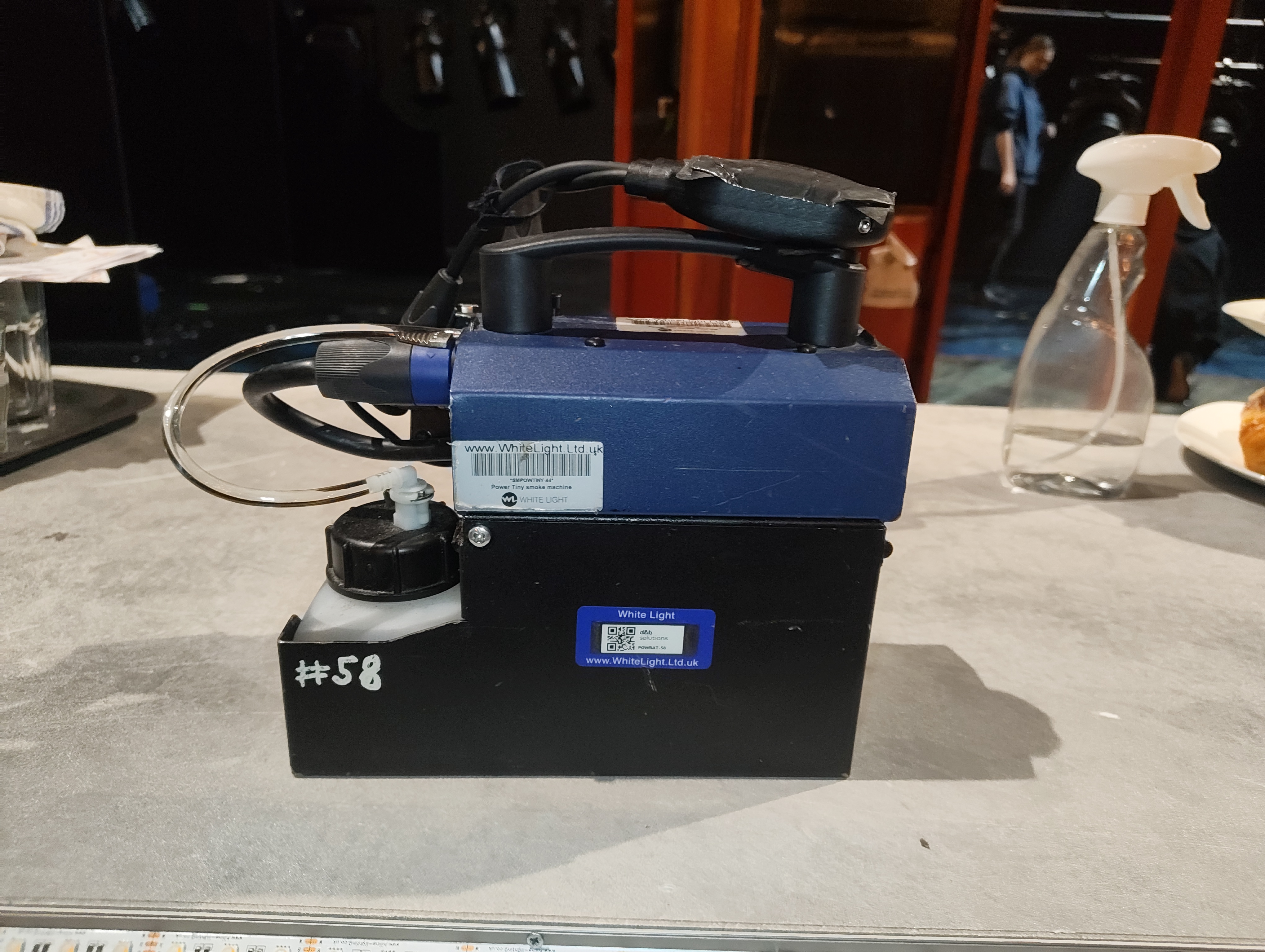
The unit is a Look Solutions Power Tiny (400W fog generator) with a Look Solutions DMXit DMX-to-analogue converter velcroed to the side, and a LumenRadio Moonlite CRMX receiver velcroed to the handle. The DMXit receives power from the Power Tiny's 3-pin XLR output (Pin 3 = 12V DC out, max 50mA) and converts one DMX channel into a 0–10V analogue signal to control the fog output. The Moonlite receives CRMX wirelessly from the Stardust and outputs DMX into the DMXit.
Channels & Addressing
- Channel: 952
- Fixture Type: Viper_Smoke (custom profile)
- Addresses: 14/150
- Label: POWER TINY - ROVING SMOKE MACHINE
- Parameters: Multi-channel smoke control profile
Power & Control
| Fog Machine | Look Solutions Power Tiny (400W) |
| Power Source | Internal 12V 12Ah battery pack (Speakon connector) |
| DMX Converter | Look Solutions DMXit (3-pin XLR, powered from Power Tiny) |
| CRMX Receiver | LumenRadio Moonlite (velcroed to handle) |
| DMX Source | CRMX Stardust Transmitter |
| Charger | Supplied automatic charger |
Battery
The battery has a capacity of 12Ah and can generate over 100 fog bursts of 4–5 seconds. Charge overnight using the supplied charger. The yellow LED on the Power Tiny indicates battery status — slow flash = OK, fast flash = below 15%, needs charging.
Signal Chain
Stardust (SR Bay 3) ──[CRMX wireless]──► Moonlite ──[5-pin DMX]──► DMXit ──[3-pin XLR]──► Power Tiny
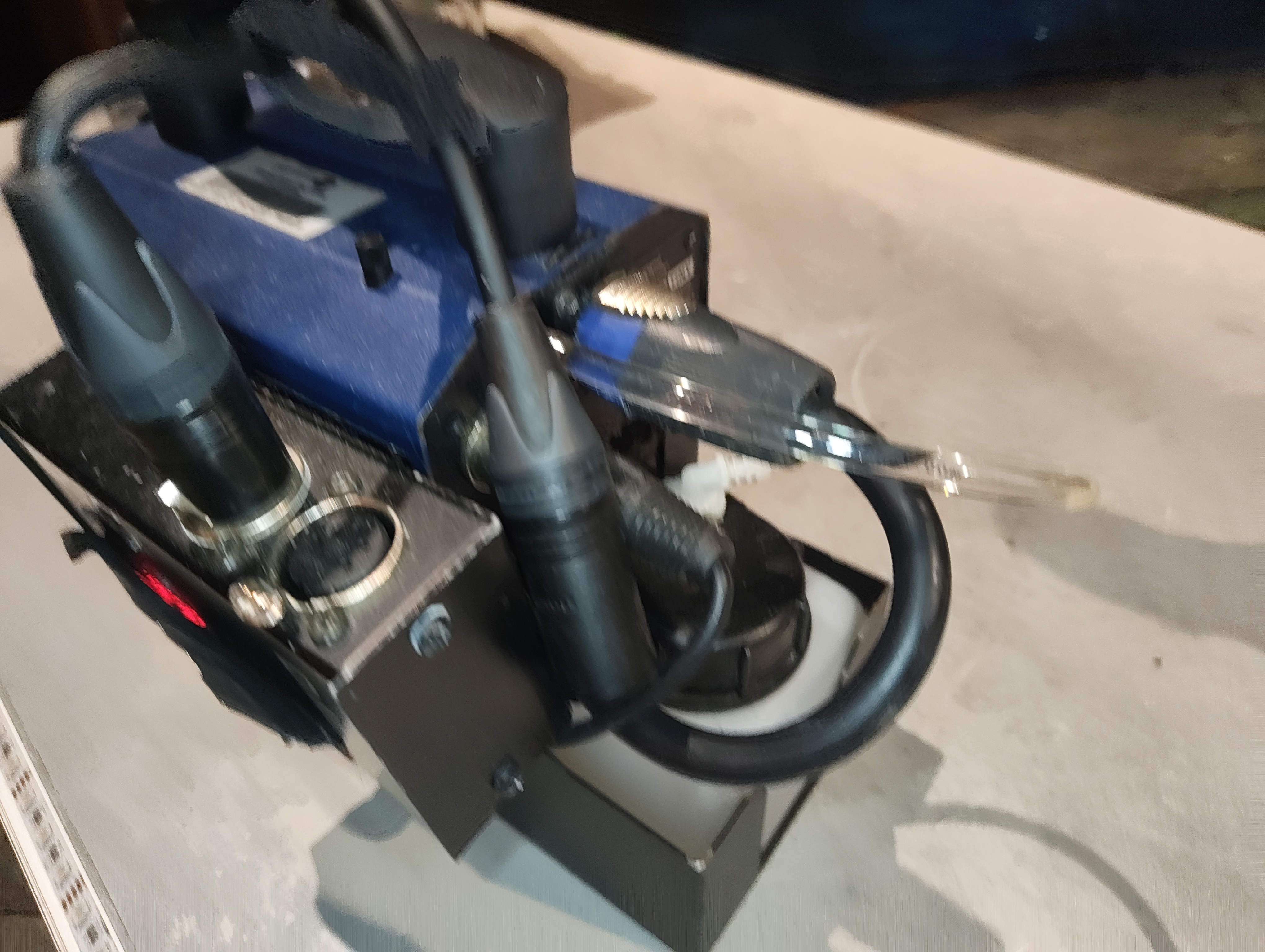
The Moonlite receives CRMX wirelessly and outputs DMX via its 5-pin connector. This feeds into the DMXit which converts the DMX channel into a 0–10V analogue signal. The DMXit connects to the Power Tiny's 3-pin XLR input to control fog output. The DMXit is also powered from the Power Tiny via Pin 3 of the XLR (12V DC out, max 50mA).
Images
Key Views
All Reference Photos (click to expand)
Components List
| Component | Detail |
|---|---|
| Fog Machine | Look Solutions Power Tiny |
| DMX Converter | Look Solutions DMXit |
| CRMX Receiver | LumenRadio Moonlite |
| Battery | 12V 12Ah (supplied with Power Tiny) |
| Charger | Automatic charger (supplied) |
Consumables
| Item | Detail |
|---|---|
| Fog Fluid | Look Solutions Tiny-Fluid (glycol/water based) |
| Sizes Available | 250ml bottle, 2L canister |
| Refill Reservoir | 250ml fluid reservoir (supplied with unit) |
Fluid Warning
Only use Look Solutions Tiny-Fluid. Using other fluids will clog the vaporiser and void the warranty. The fluid is glycol/water based, contains no oil or silicone, and is Actors' Equity approved.
Fluid Consumption
A 250ml bottle provides approximately 10 minutes of continuous fogging. In show use with short bursts, a single fill will last multiple performances — but check and top up before each show as part of pre-show checks.
Usage
The Power Tiny is used in two locations during the show:
Scenes
- Brazier — adds smoke to the fire barrel effect
- Storm Sequence — mounted on the rolling staircase for additional atmospheric smoke
Maintenance
- Check: Fluid level before each show — top up with Tiny-Fluid as needed
- Check: Battery status LED — charge overnight if fast flashing
- Check: DMXit and Moonlite are securely velcroed and connected
- Check: Fog nozzle is clear and unobstructed
- Spare parts: Replacement vaporiser (available from Look Solutions)
- Spare parts: Replacement battery pack (Look Solutions PT-2304)
Vaporiser
The vaporiser has a limited working life. If fog output reduces noticeably, the vaporiser may need replacing — see the Power Tiny manual for the replacement procedure.
Troubleshooting
- No fog output:
- Check battery LED — fast flash means below 15%, needs charging
- Check fluid level — refill with Tiny-Fluid
- Check DMXit is receiving DMX (LED display should show address)
- Check Moonlite CRMX link status
- Weak fog output:
- Vaporiser may be clogged or worn — check/replace
- Fluid level may be very low
- No DMX control:
- Check 5-pin DMX cable between Moonlite and DMXit
- Check 3-pin XLR connection between DMXit and Power Tiny
- Check DMXit start address matches patch
- Check Moonlite is linked to Stardust